

Inspect results
- Open your lab in Control. Under Jobs, select the job name.
- Check the status next to the title. Under Plots, look for measurements saved so far. Failed or cancelled jobs can have plots; a job that stopped before acquisition may have none.
- Open Data to find an experiment record. Check its analysis and device-state changes before treating a measurement as an applied calibration.
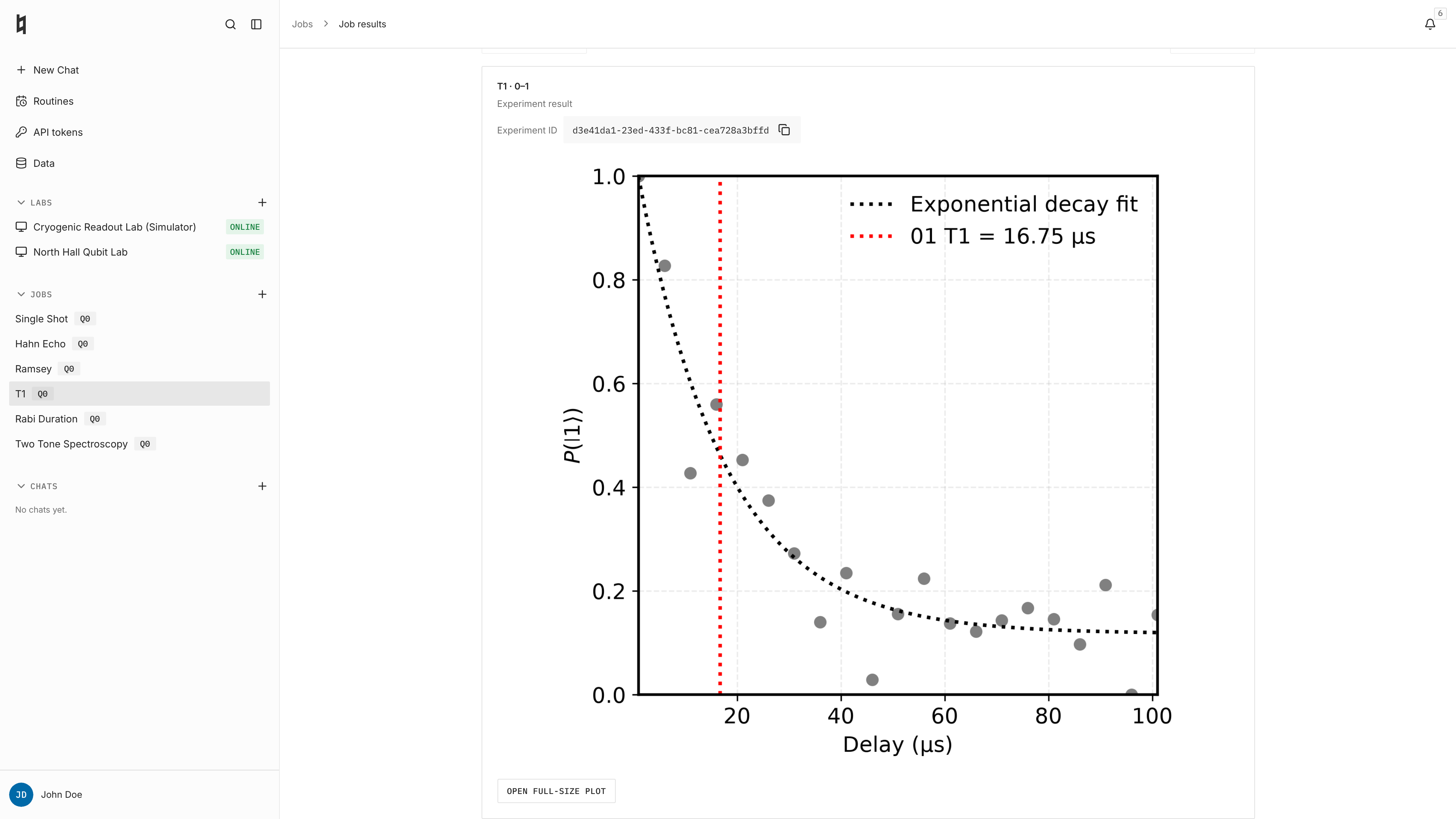
If the status is Failed, read the error or analysis message. A job can finish its measurements but fail acceptance. Copy the Job ID when asking your lab manager for help.
If you already signed in to the CLI, set JOB_ID to the UUID of a job you submitted in that lab. Read its recorded state without submitting another job: