

Run an experiment
Open Control and select your lab under Labs. Choose an experiment for one measurement, such as T1. Choose a workflow for a sequence, such as single-qubit bring-up. The choices depend on the lab’s active configuration.
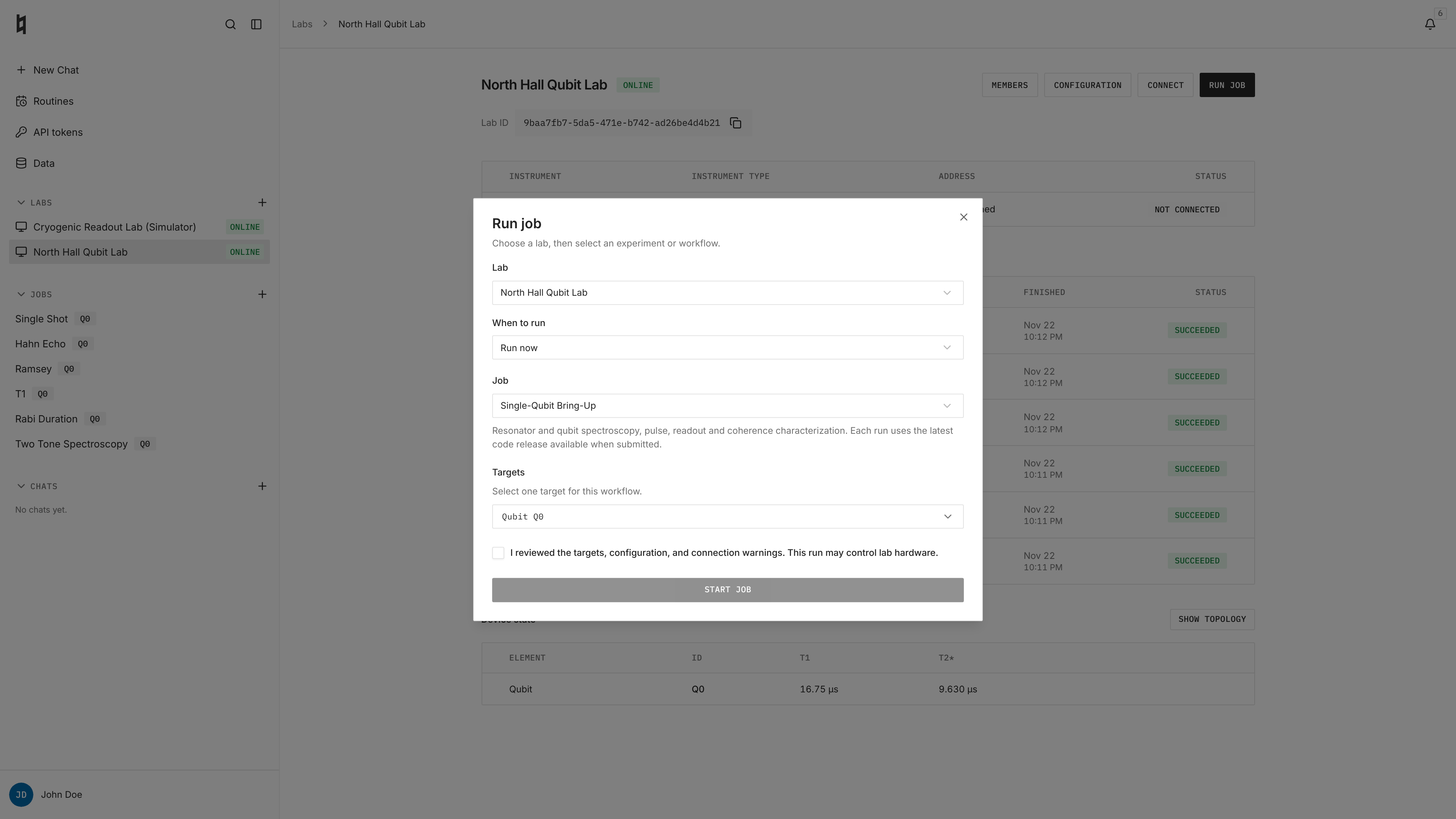
- Select Run job. Check the lab and leave When to run set to Run now.
- Choose the experiment or workflow. Select its targets and enter the settings approved for your lab.
- Review the targets, configuration, and connection warnings. If an instrument is unavailable or a setting exceeds your approved limits, stop and contact your lab manager.
- Confirm the hardware acknowledgement and select Start Job. Look for the job in your lab’s Jobs table.
Select the job name to inspect its results. If the job is interrupted, check its recorded outcome before retrying: an instrument may already have acted.